
Research
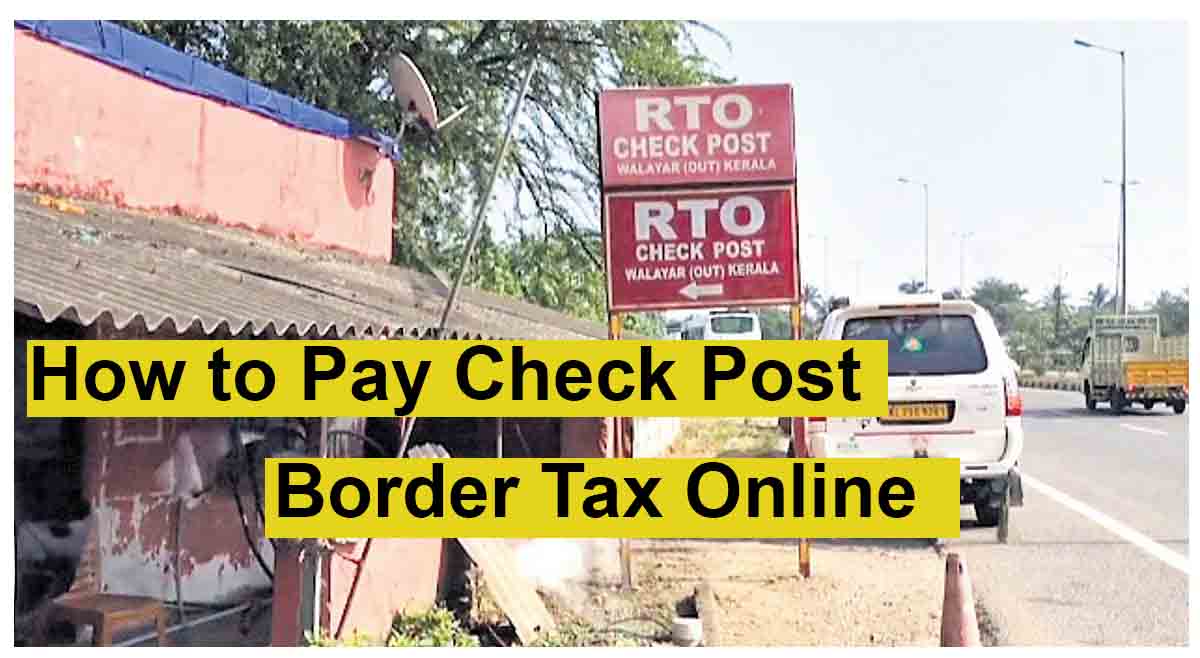
How to Take State Border Permit Tax Online? 2026 – 2027 Process Explained

Are you a commercial vehicle owner or a Transporter seeking for “How to Take Border tax Online?” Here, we are sharing step by step explanation about how to take Border Tax Online
Step 1 Visit: https://parivahan.gov.in
Step 2 Click Online Services > Click CheckPost Tax
Step 3 Select State Name
Step 4 Select Service Name “Vehicle Tax Collection Other State” and click “Go”
Step 5 Enter Your Vehicle Number and Click “Get Details”
Step 6: Fill The Details and Click “Calculate Tax”
Step 7 Now Click on “Pay Tax”
Step 8: Pay using Credit Card / Debit Card / UPI
Step 9 : Print The Permit
That’s it
Watch Video : We have also included a video about how to take border Tax of any state.

Share this: